
How to Set Up a POS System for a Convenience Store
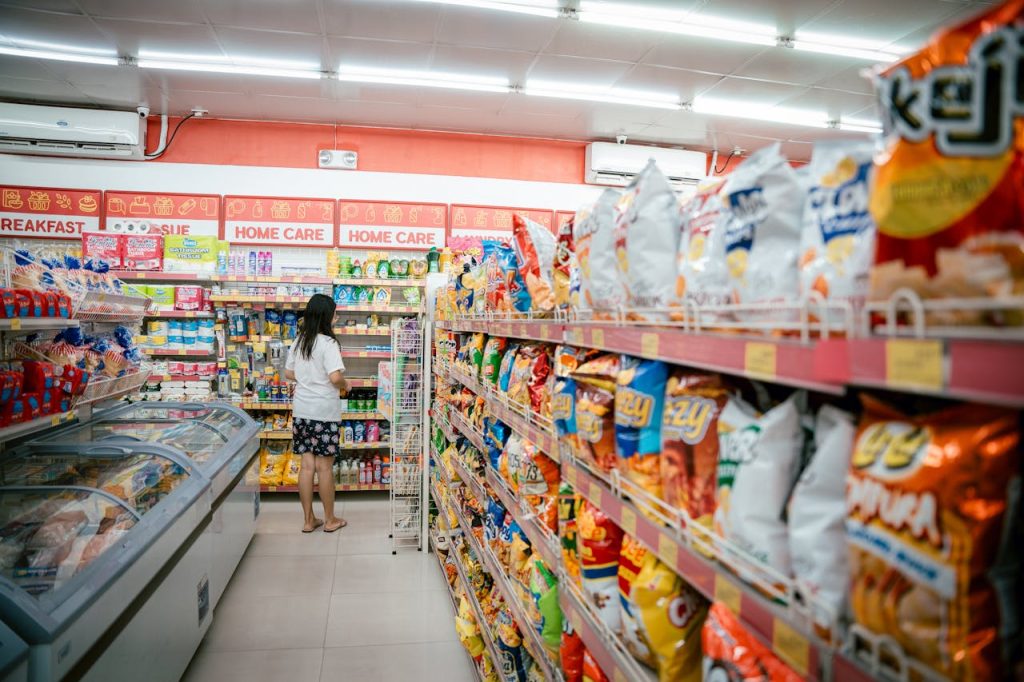
A convenience store POS setup is, on the surface, one of the more straightforward retail configurations — a compact counter, a single cashier, a high volume of small transactions. But the operational demands on a c-store POS system are real: tobacco tracking, age-restricted product controls, lottery integration, long operating hours, and a counter where space is almost always at a premium. The hardware needs to fit, the software needs to handle your product mix, and the whole system needs to run reliably through whatever shift is on.
This guide walks through every component of a convenience store POS system, explains what each piece does for your business, and covers the decisions you need to make before you buy. It is written for Canadian c-store owners and operators who are setting up a new system, replacing old hardware, or opening a new location.
Here is what we cover:
POSRG can help with your POS setup
The right hardware, expert installation, and reliable support — all from one team.
Understanding the Convenience Store POS Ecosystem
A convenience store POS system connects the same core components as any retail setup — terminal, scanner, printer, cash drawer, and payment device — but the configuration priorities are different. Counter footprint is the dominant constraint. You need a complete, capable system in a small physical space without creating a checkout experience that feels crowded or cluttered.
The typical flow through a c-store transaction:
- The cashier or customer scans each item using the barcode scanner
- The POS terminal identifies the item, applies the correct price, and tracks restricted items (tobacco, age-gated products) based on the software’s rules
- The terminal totals the transaction and sends it to the payment terminal
- The customer pays by card or cash; the payment terminal processes the card and the cash drawer opens for cash
- The receipt printer produces a receipt if requested
- Transaction data flows to the back-office system for inventory updates and daily reporting
At locations with gas stations, pump transactions are managed by a separate system entirely — not by the in-store POS. This distinction matters when you are planning your setup, because the pump management hardware and the c-store POS are two separate purchases from two separate vendors.
The POS Terminal
The POS terminal is the central computer of your checkout lane. It runs the POS software, displays the transaction interface for the cashier, and connects to all your peripherals. For a convenience store, the terminal needs to be capable but compact — there is no room for a sprawling desktop setup on most c-store counters.
All-in-one terminals are the standard choice for c-stores because they combine the computer and touchscreen into a single unit. This reduces the number of separate components on the counter and simplifies cabling. Most all-in-one units also include a rear customer-facing display so customers can see their running total.
When evaluating terminals for a c-store, prioritize compact form factor, build quality, and the warranty offered by the manufacturer. Warranties from major manufacturers range from 1 to 5 years — longer warranty terms typically signal better overall hardware reliability. For cost-conscious operators, certified refurbished units from the same enterprise manufacturers are a practical lower-cost option.
Barcode Scanners
The barcode scanner reads the product codes on everything that passes through your checkout. In a c-store, this means everything from chips and beverages to tobacco products and lottery tickets — and the scanner needs to handle them all quickly without requiring the cashier to find a perfect scan angle on every item.
There are two main scanner types used in c-stores:
- Presentation scanners — flat or angled countertop units that scan items as the cashier passes them across the scanning window; fast for standard checkout flow and require no trigger or button press
- Handheld scanners — triggered by a button or auto-sense; more flexible for items with barcodes in awkward positions or for scanning items that cannot easily be passed across a flat surface
Modern presentation and handheld scanners handle both traditional barcodes and 2D codes including QR, which covers all major loyalty app formats. Wireless handheld scanners are worth considering in stores where staff move between the counter and shelves regularly, as they eliminate the cable and give more flexibility.
Receipt Printers
Receipt printers in a c-store use thermal technology — they print by applying heat to heat-sensitive paper, with no ink required. A compact desktop thermal printer fits on most c-store counters without consuming significant space and is compatible with virtually all c-store POS software platforms. A standard unit costs $300 to $500.
The thermal printhead is a consumable that typically needs replacement every 3 years. Replacing the printhead extends the life of the printer significantly and costs a fraction of a new unit — it is worth including in your regular maintenance plan rather than waiting for print quality to degrade.
Cash Drawers
The cash drawer connects to the receipt printer and opens automatically when the POS software triggers a cash transaction. Standard drawers work well in most c-store configurations. The drawer solenoid and spring mechanism are the components most likely to wear with heavy use — these are serviceable parts, and replacing them extends the life of the drawer without needing to replace the full unit.
In c-stores with multiple cashiers sharing a single counter, a lockable cash drawer with individual till management through the POS software keeps accountability clear during shift changes.
Payment Terminals
Every checkout lane needs a payment terminal for card transactions. In a c-store, the payment terminal sits on the customer side of the counter, positioned so the customer can tap, insert, or swipe their card without leaning over the checkout surface.
The payment terminal you choose determines which payment processors you can use, and different processors charge different transaction rates. In a high-volume c-store where the average transaction is $10 to $20, transaction fees are a meaningful ongoing cost — the math on switching to a lower-rate processor can favour the hardware upgrade relatively quickly. If you have not reviewed your terminal-processor combination recently, it is worth doing as part of any hardware assessment.
Mounting and Bracket Solutions
Counter mounting is one of the most important and most overlooked parts of a c-store POS setup. Most convenience store counters were not designed with a specific POS system in mind, and simply placing hardware on the counter often results in a setup that is cramped, cable-heavy, and aesthetically inconsistent with the store environment.
The right mounting approach depends on your counter configuration:
- Pole mounts — a vertical pole anchored to the counter or floor holds the terminal at the optimal cashier height and keeps the counter surface clear below
- Bracket mounts — the terminal attaches to a bracket fixed to the counter edge or under-counter surface; useful where a pole would obstruct the customer interaction area
- Under-counter cable management — routing cables through the counter or along the back wall keeps the checkout area clean and reduces the risk of cables being pulled or damaged
A clean, well-mounted setup looks professional, protects the hardware, and makes the cashier’s job easier. A poorly mounted setup is a daily frustration and a long-term hardware risk.
Back Office and Inventory
The back office of a convenience store is where sales data, inventory records, and reporting live. Most c-store POS software includes a management dashboard that tracks sales by item and category, monitors inventory levels, and generates daily, weekly, and monthly reports. For a single-location operator, this typically runs on a standard Windows PC or all-in-one desktop in the back room or office area.
Inventory management is particularly important in a c-store because of the high SKU count and the mix of regulated products. Your POS software tracks stock levels and flags items that need reordering, but the accuracy of that tracking depends on consistent scanning at checkout. Missing scans — items rung up by price rather than barcode — create inventory discrepancies that accumulate over time and make reordering decisions unreliable.
Handheld Inventory Devices
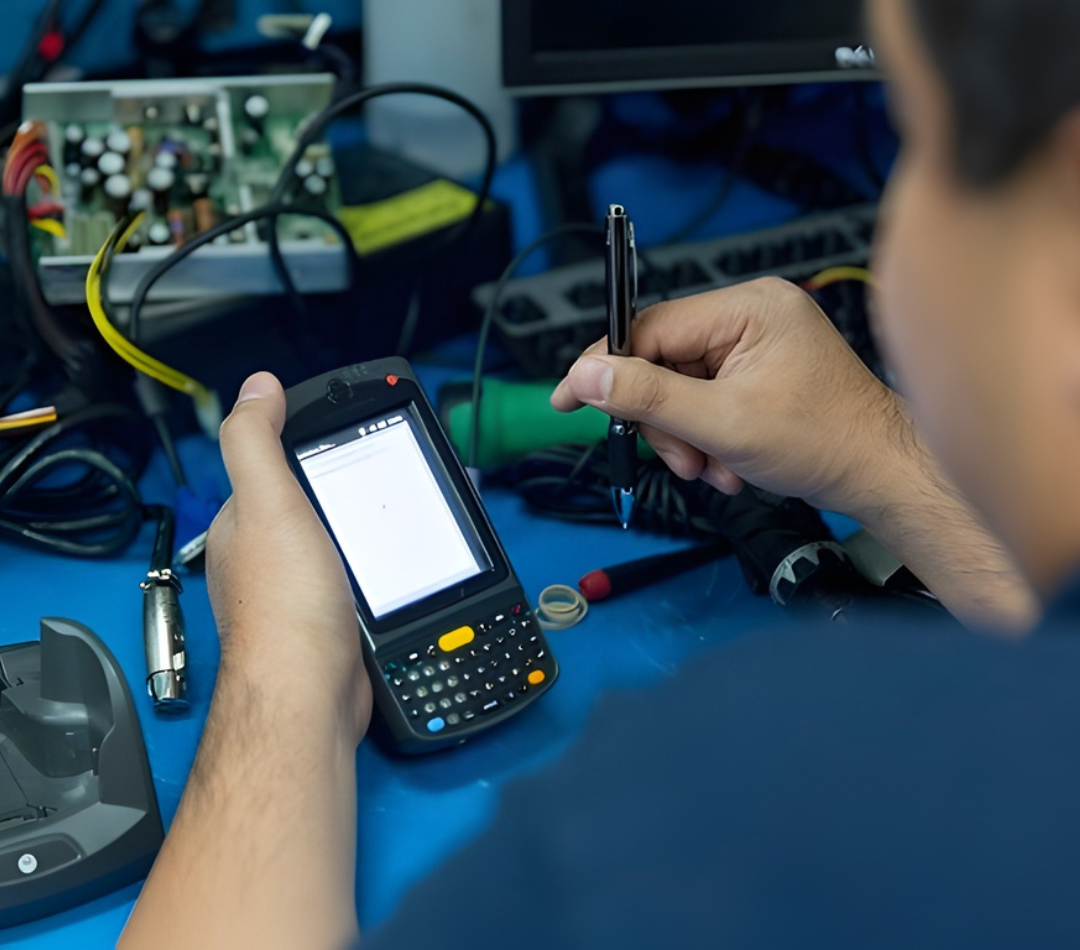
Handheld mobile computers allow staff to manage inventory, conduct stock counts, and update product records on the store floor without using the checkout terminal. In a c-store, this means receiving stock at the back door, conducting cycle counts on shelves, and updating quantities after a delivery — all without tying up the register or leaving the floor unattended.
Ruggedized enterprise handheld devices connect to the store’s back-office system over Wi-Fi and are designed for the scan volumes and physical conditions of a retail environment. For single-location operators with a small team, a single handheld device is usually sufficient. Multi-location operators benefit from standardizing on the same handheld model across all stores.
Software
Convenience store POS software needs to handle a specific set of operational demands that general retail software often does not. When evaluating platforms, look for:
- High-SKU inventory management across a diverse product mix
- Tobacco tracking and minimum age enforcement at the point of sale
- Lottery ticket reconciliation and management
- Integration with debit and credit payment terminals
- Shift management and cashier accountability reporting
Your software choice affects which hardware is compatible, so select your platform before you finalize your hardware order. Confirm that the software you choose integrates with the payment terminal brands available in Canada, and verify compatibility with any peripherals — scanners, printers, cash drawers — before purchasing.
Gas Station Integration
If your convenience store is attached to a gas station, pump management is an entirely separate system from your in-store POS. Dedicated pump management software controls the pump hardware, pay-at-pump transactions, and fuel pricing — independently of whatever POS runs inside the store.
The practical implication: when you are budgeting for and setting up your c-store POS, you are budgeting for the in-store system only. Pump hardware, pump software, and pay-at-pump terminals are purchased and managed through your fuel system provider. The two systems do not integrate directly, and they are supported by different service chains.
Service and Repairs
Convenience stores operate long hours — many run 24 hours a day. A POS system failure during an overnight shift or on a Sunday is not something you can wait until Monday morning to resolve. When evaluating POS hardware suppliers, the service model matters as much as the hardware itself.
Key service considerations for c-store operators:
- Repair turnaround time — a 1-to-2 business day repair turnaround means your lane is down for a short, predictable window; 10-day turnarounds are a serious operational problem
- Authorized service coverage — a supplier authorized to repair your terminal can handle warranty repairs directly, without shipping the unit to the manufacturer
- After-hours support — phone support outside business hours means an overnight failure gets triaged immediately rather than sitting until the next morning
- Spare unit availability — some suppliers can provide a replacement unit while your primary terminal is in for repair, keeping your checkout running
POSRG is an authorized repair centre for the major POS hardware brands we carry. Our standard repair turnaround is 1 to 2 business days for most hardware, and we offer after-hours phone support for clients whose operations run outside standard business hours.
POSRG Can Help Upgrade or Repair Your POS System
A well-configured c-store POS system is compact, reliable, and does everything your operation needs without overcomplicating the checkout experience. POSRG supplies and services convenience store POS hardware across Canada — from single-location operators to multi-store chains.
We carry terminals, scanners, printers, payment devices, and mounting solutions from all the major manufacturers, and we provide on-site installation and fast repair support. Call us at (905) 332-8809 or email inquiries@posrg.ca for a free consultation.