
How to Set Up a POS System for a Grocery Store
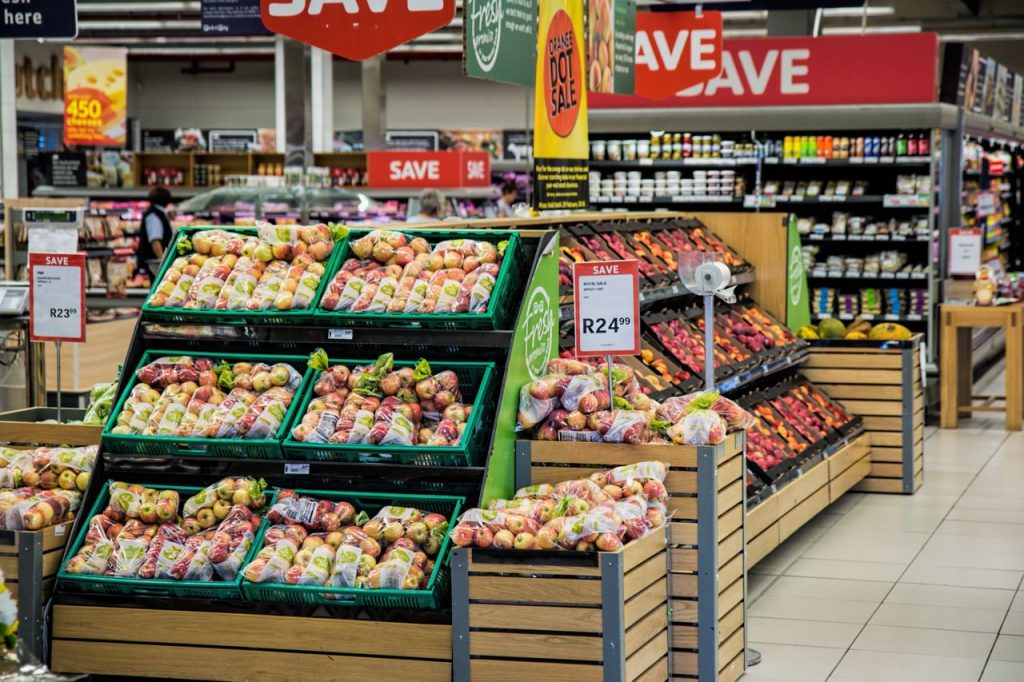
A grocery store POS system is one of the most complex retail setups you can build. You need hardware that handles high transaction volumes across multiple cashier lanes, integrates payment terminals to eliminate manual entry errors, supports weighted item sales with certified scales, and in most modern stores includes self-checkout lanes alongside traditional cashier stations. Getting the setup right involves more planning than most other retail environments — and more regulatory considerations.
This guide walks through every component of a grocery store POS system, explains what each part does and why it matters, and covers the key decisions you need to make before purchasing hardware. It is written for Canadian grocery store owners and operators who are setting up a new store, upgrading an existing system, or adding self-checkout for the first time.
Here is what we cover:
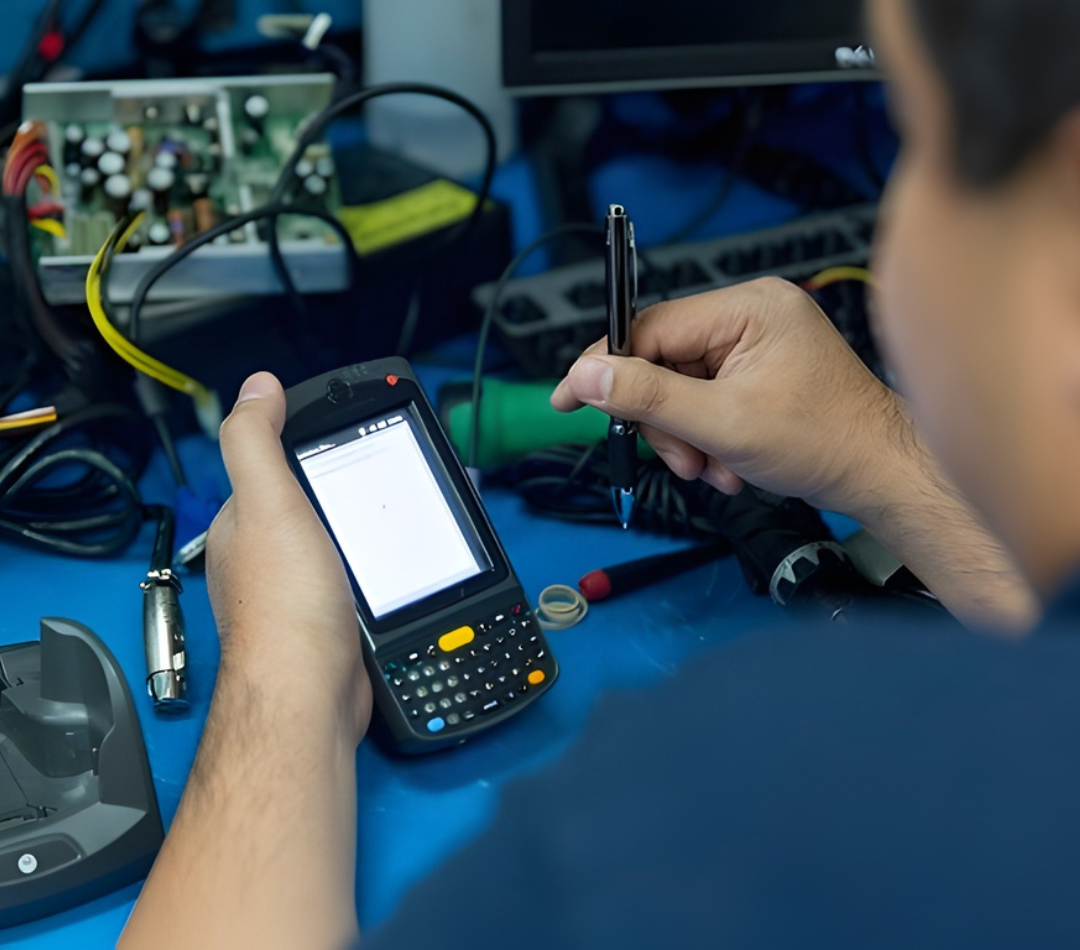
POSRG can help with your POS setup
The right hardware, expert installation, and reliable support — all from one team.
Understanding the Grocery Store POS Ecosystem
A grocery store POS system is a network of interconnected hardware across the entire store floor. Unlike a restaurant — where the POS is centred on a few terminals and kitchen hardware — a grocery setup spans multiple cashier lanes, a self-checkout zone, a back office, and often dedicated stations for departments like deli, bakery, and produce. Each of these touchpoints connects back to the same inventory and sales database.
The typical flow through a grocery POS system:
- A cashier or customer scans items using a barcode scanner or scanner scale
- For weighted items, the scale passes both the weight and the item code to the POS terminal, which calculates the price automatically
- The terminal tallies the transaction and communicates the total to the payment terminal
- The customer pays by card or cash; the payment terminal processes the card transaction and the cash drawer opens for cash payments
- A receipt printer produces the customer receipt
- All transaction data feeds into the back-office system for inventory updates, reporting, and ordering
In self-checkout lanes, the customer performs the scanning and payment steps themselves, supervised by a single attendant monitoring several units at once. Kiosks serve separate functions — age verification, loyalty, or price checking — and feed into the same backend system.
The POS Terminal
The POS terminal is the central computer of each cashier lane. It runs the grocery software, interfaces with the scanner scale, processes transactions, and communicates with the payment terminal and receipt printer. In a grocery environment, terminals need to be robust enough for continuous high-volume use across long operating hours — often 14 to 16 hours a day, seven days a week.
Grocery store terminals are almost always all-in-one units — a combined computer and cashier-facing touchscreen — with a separate customer-facing display showing the running transaction total. The right terminal depends on your software platform, your budget, and the service and warranty support available for that hardware in Canada.
One factor worth weighing carefully: whether your POS hardware supplier is an authorized service centre for the terminal you choose. In a grocery store, a cashier lane going down during peak hours is an immediate operational and revenue problem. Fast repair turnaround — ideally 1 to 2 business days — matters more here than in lower-volume retail environments.
Scanner Scales
The scanner scale is the defining piece of hardware in a grocery checkout lane. It combines a barcode scanner — which reads product codes — with a certified weight scale, and passes both the item identification and the weight to the POS terminal in a single step. This means the terminal calculates the price of weighted items automatically, without the cashier needing to look up a code or enter a weight manually.
Scanner scales are permanently integrated into the checkout counter. In most configurations, the scale sits flush in the counter surface, with the scanning window facing up so items can be slid across it. The scanner component handles both standard barcodes and 2D codes for loyalty apps and digital coupons.
Separate from the checkout scanner scale, grocery stores with deli, butcher, or produce departments typically use standalone deli scales. These scales weigh items, calculate the price per kilogram, and print a weight-based price label. The label is applied to the package, then scanned at checkout like any other item. Deli scales must also carry Weights and Measures Canada certification.
Payment Terminals and Integration
Every cashier lane and self-checkout unit requires a dedicated payment terminal for card transactions. The most important aspect of payment terminal setup in a grocery environment is software integration — the payment terminal must communicate directly with the POS software so that the transaction total transfers automatically from the POS to the payment device.
Without this integration, cashiers must manually key the transaction total into the payment terminal after calculating it at the POS. Manual entry is slow, error-prone, and creates discrepancies when the amount entered differs from the amount charged. In a high-volume grocery environment, this is not a minor inconvenience — it slows every transaction and creates regular customer service problems.
Before selecting a payment terminal, confirm that it is compatible with your POS software and that the processor options available for that terminal offer competitive transaction rates for your volume.
Receipt Printers and Cash Drawers
Grocery receipt printers are thermal units — they use heat-sensitive paper with no ink cartridge. Thermal receipt printers are fast, low-maintenance, and broadly compatible with grocery POS software platforms. A standard unit runs $300 to $500.
Cash drawers connect to the receipt printer and open automatically when the POS software triggers a cash transaction. In a cashier lane, the cash drawer typically sits under the counter, connected to the printer above it by a standard cable. Sizing matters — a grocery cash drawer needs to accommodate the bill and coin volumes of a high-throughput lane.
Self-Checkout Systems
Self-checkout has become standard equipment in Canadian grocery stores of all sizes. A self-checkout unit allows customers to scan and pay for their own purchases, supervised by a single attendant who monitors several units at once. The business case is straightforward: self-checkout handles transaction volume that would otherwise require additional cashier lanes, and it gives customers the option of a faster checkout experience for smaller baskets.
A complete self-checkout station consists of several integrated components working together:
- Touchscreen terminal — the customer-facing interface for scanning, item lookup, and payment
- Integrated scanner scale — scans items and verifies weight for loss prevention and weighted-item sales
- Payment terminal — processes debit and credit card transactions
- Receipt printer — produces the customer receipt
- Bag station — holds bags and acts as a weight verification surface; items that do not match expected weights trigger an attendant alert
- Floor stand and enclosure — the physical structure that houses and connects all components
The selection of hardware affects the physical footprint of the unit, the configuration options available, and the service and parts support you can access after installation. Per-unit costs for a fully installed self-checkout station range from $5,000 to $10,000 or more.
The self-checkout interface — what the customer sees and interacts with — is software driven and can be customized. Your store’s branding, colour scheme, and interface language can be applied to the touchscreen experience, making it consistent with the rest of your store environment.
In-Store Kiosks
Kiosks in a grocery store serve different functions than self-checkout. They are not transaction stations — they are information and interaction points. Common grocery kiosk applications include:
- Liquor section kiosks — for stores where alcohol is sold in a designated section, a kiosk facilitates age verification and can display product information or promotions
- Loyalty program kiosks — customers sign up for or access loyalty accounts without involving a cashier
- Price check stations — customers scan items to confirm the current price
- Customer data entry — collecting information for promotional programs or account management
Grocery kiosks are available in floor-standing, tabletop, and wall-mounted formats. The right form factor depends on where the kiosk sits in the store and what function it serves. A liquor section kiosk needs to be positioned at the entry point of that section; a price check station works best near shelving, not at the front of the store.
Handheld Inventory Devices
Handheld mobile computers allow staff to manage inventory, check prices, and perform stock counts on the store floor without returning to a back-office terminal. In a grocery environment, this means a receiving associate can scan incoming stock in the loading bay, a floor staff member can update pricing on shelf labels, and a manager can conduct a spot inventory check on any aisle without shutting down a register.
Ruggedized handheld inventory devices designed for enterprise retail use are the standard choice. They run Android and connect to the store’s back-office system over Wi-Fi. Consumer smartphones and tablets are not a reliable substitute — they are not built for the scan volumes or the physical conditions of a grocery back room or loading dock.
Back Office and Inventory Management
The back office is where all the transaction and inventory data from the store floor comes together. Your POS software’s management console runs on a back-office workstation or server, giving you access to sales reports, inventory levels, purchase order management, and employee records. In most grocery stores, this runs on a standard Windows-based PC or all-in-one unit — specialized POS hardware is not required for the back office.
Larger grocery operations with high transaction volumes and complex inventory requirements often run on-premise servers that host the POS database and serve data to all terminals on the store network. For multi-location grocery operators, a centralized server infrastructure allows head office to access sales and inventory data from all locations in one place.
Software
Grocery POS software manages everything the hardware touches — transaction processing, inventory, weighted item pricing, self-checkout interfaces, loyalty programs, and reporting. Choosing the right software platform is as important as choosing the right hardware, and the two decisions need to be made together because not all software works with all hardware.
For grocery operators without software integration between their POS and payment terminal, migrating to an integrated platform eliminates manual entry at every transaction — an immediate operational improvement with meaningful impact on both transaction speed and error rates.
For smaller independent grocers, boutique food shops, and specialty markets, the same hardware categories apply at a smaller scale. The software requirements are similar — you still need scanner scale integration and weighted item support — even if the number of lanes is one or two rather than ten.
Weights and Measures Canada Certification
Any grocery store that sells items priced by weight — produce, meat, deli, bulk goods — is legally required to hold a Weights and Measures Canada certification for its scales. This certification confirms that your scales measure accurately and that pricing calculations are correct. It is not optional, and it applies to both the cashier-lane scanner scales and any standalone deli scales on the floor.
The certification process must be conducted on-site by an accredited inspector. It needs to be renewed every 3 to 4 years, and it must also be renewed whenever you replace a scale, add a new scale, or relocate a scale to a different position. Buying a new scanner scale and putting it into service without certification is a regulatory violation.
The practical steps for certification:
- Contact Measurement Canada or an accredited service provider to schedule an on-site inspection
- Have all scales in service and functioning correctly before the inspection date
- The inspector tests each scale against certified reference weights and verifies pricing accuracy
- Certified scales receive a seal or sticker confirming the inspection date
- Track renewal dates and schedule inspections proactively before certification expires
POSRG coordinates and facilitates Weights and Measures certification for grocery clients through our established service partnerships. We manage the scheduling and process on your behalf so you have a single point of contact for hardware supply, installation, and compliance.
Installation and On-Site Service
Grocery store POS installations are large-scale projects. Fitting out a new store or doing a full system refresh across all cashier lanes and self-checkout units involves electrical work, network infrastructure, hardware staging, and physical installation — all of which need to be coordinated carefully to avoid disrupting store operations.
A grocery POS installation typically includes:
- Counter preparation — lane counters need to be fitted or cut to accommodate scanner scale integration
- Low-voltage and electrical work — power and network runs to each terminal station
- Hardware staging — configuration and testing of all units before they ship to the store
- Physical installation — mounting terminals, installing scanner scales, positioning self-checkout units
- Software configuration — pricing, tax settings, payment integrations, and user accounts
- End-to-end testing — full transaction flow testing before opening to customers
After installation, larger grocery operators typically require an ongoing service agreement that covers on-site repair dispatch, hotswap replacements for failed units, and Weights and Measures recertification management. A cashier lane going down during peak shopping hours is a direct revenue problem, and having a service partner who can respond quickly — ideally with a replacement unit available — is worth budgeting for.
POSRG Can Help Upgrade or Repair Your POS System
Grocery store POS setups are complex, and the decisions you make about hardware, software, and installation have long-term consequences for how your store operates every day. POSRG supplies, installs, and services grocery POS hardware across Canada — including scanner scales, self-checkout systems, handheld devices, and back-office infrastructure. We also coordinate Weights and Measures Canada certification through our service network. If you are planning a new grocery store setup or upgrading an existing system, call us at (905) 332-8809 or email inquiries@posrg.ca for a free consultation.